
Beep.
Tap in at the gate, tap out on the way through. The convenience store, the shopping, the locker at the station: it all goes on the same card or phone.
Ten payments in a day. That's ten near-identical expenses to type in, which is usually enough to put you off doing it at all.
Tedious logging is what Receipteller is for.
One screenshot, the whole day
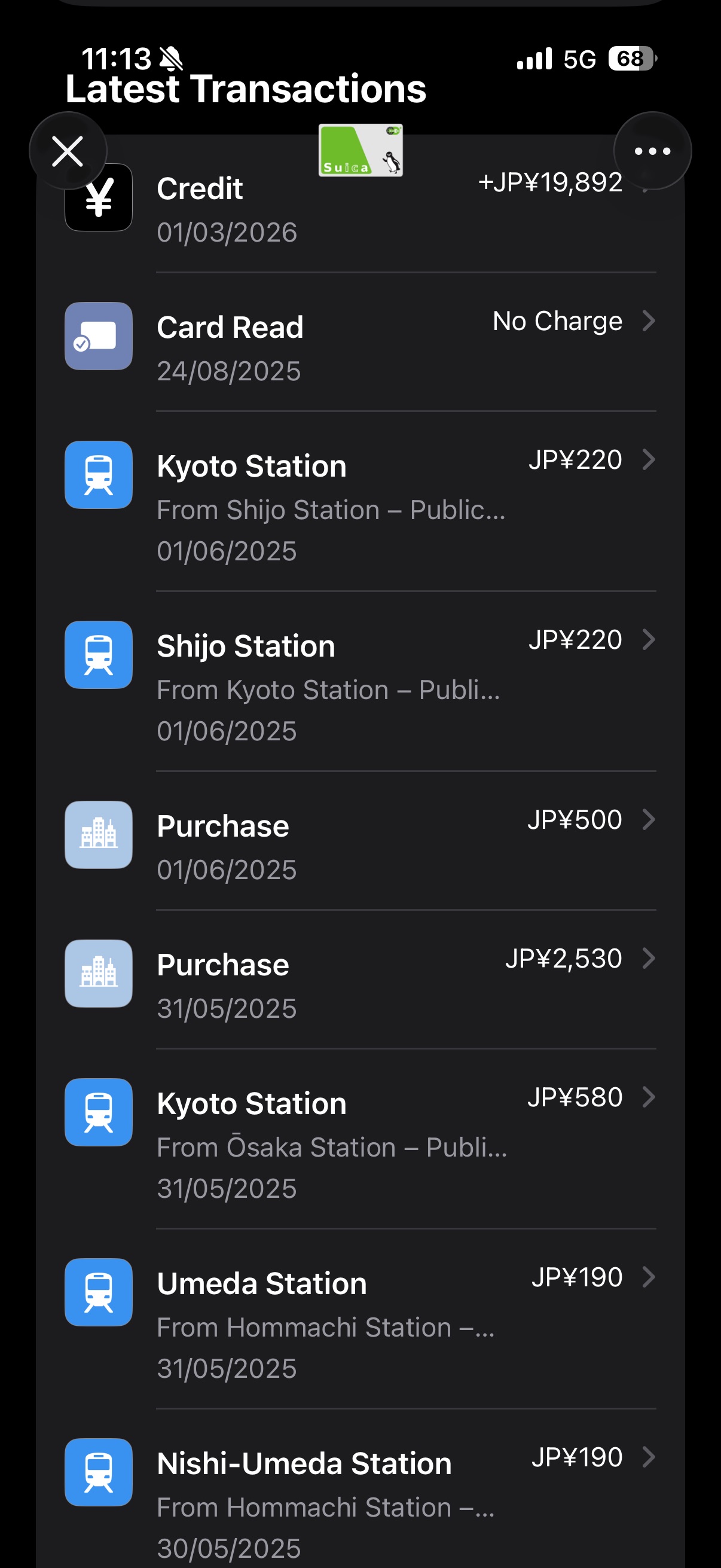
Open Receipteller and upload a screenshot of today's payment history.
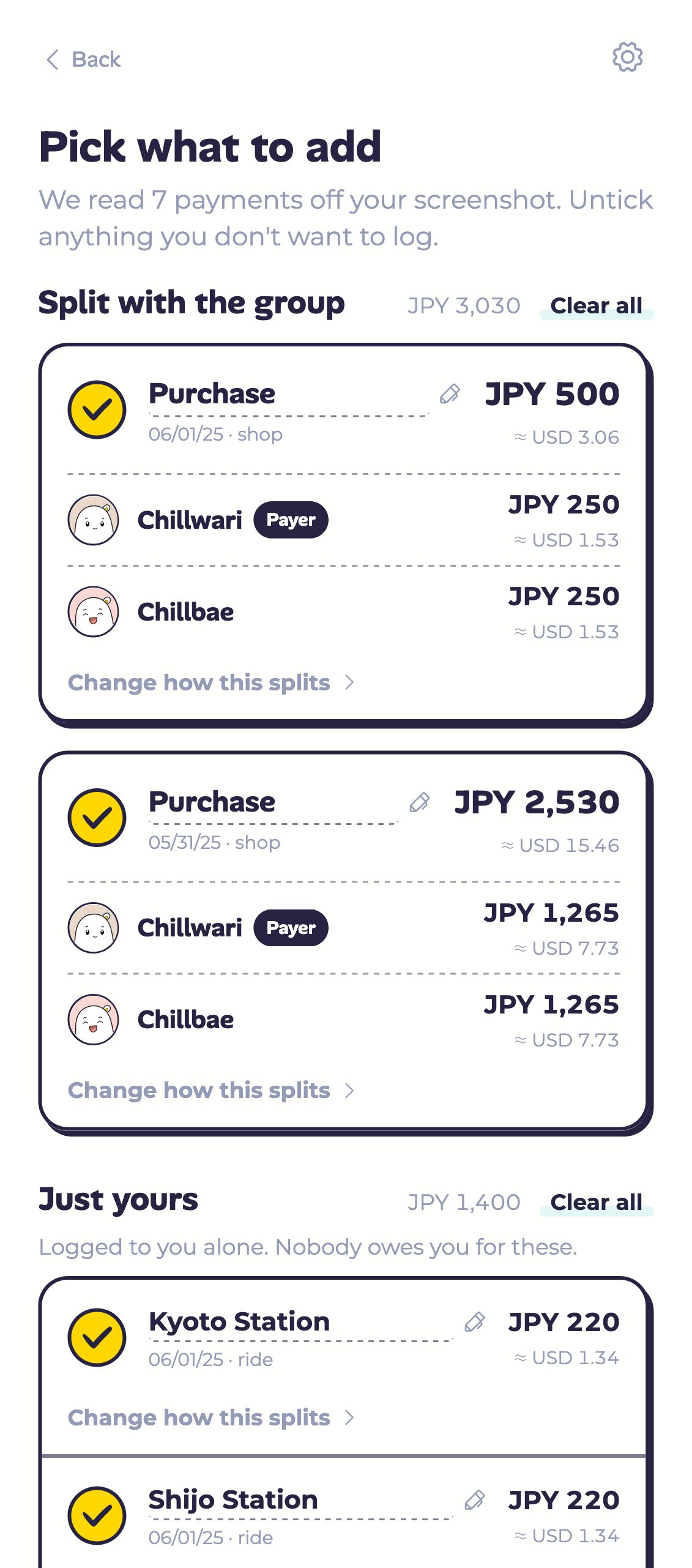
Chillwari lays those payments out as a checklist. Date, amount, the station or shop name: all of it sitting there, waiting for you to confirm.
Anything already logged in Chillwari comes pre-unticked. Untick anything else you'd rather skip, hit add, and it's done.
Transit is yours, the rest is shared
Transit, shopping, and dinner all land in the same list, so your own payments end up mixed in with the group's.
A train, metro or bus fare is charged per rider, so Chillwari keeps those as just yours from the start. Everything else splits evenly among the people you picked in Receipteller.
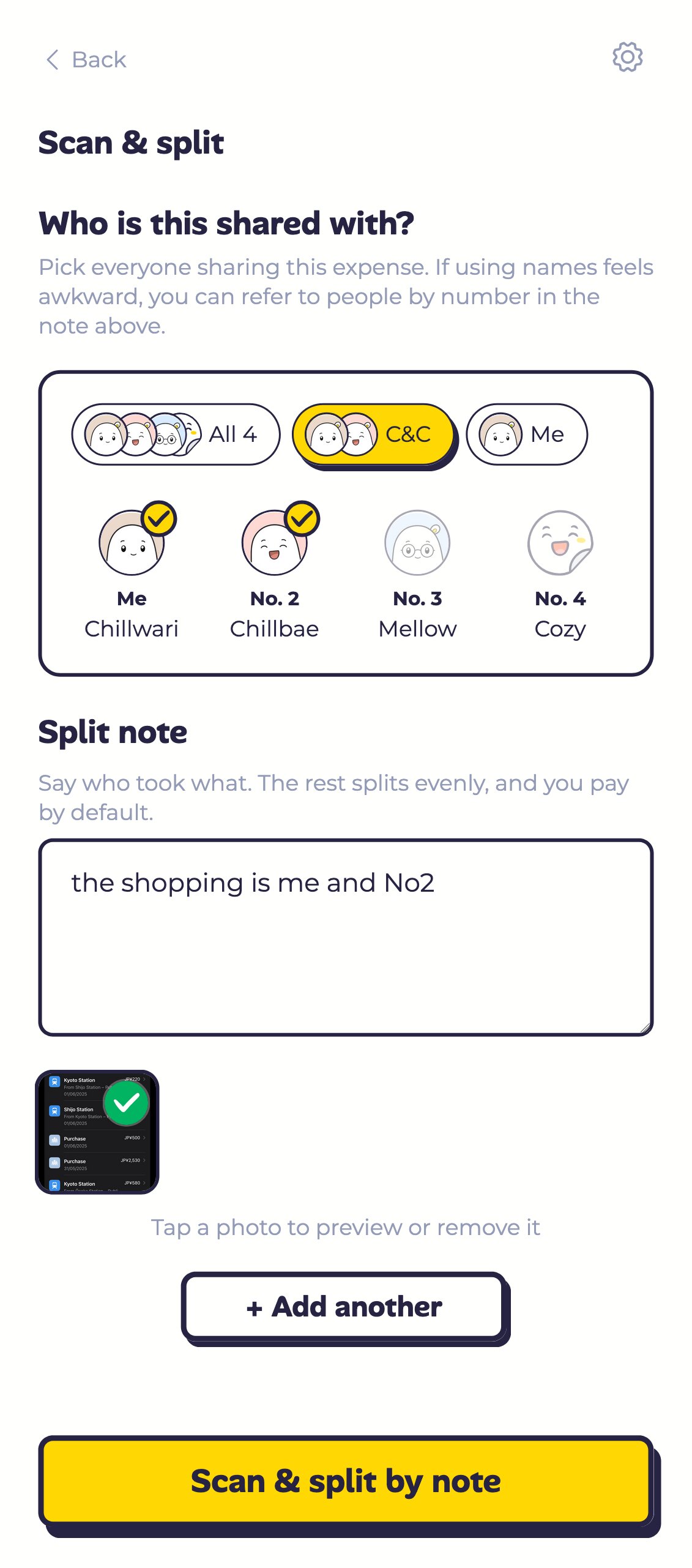
Want it split some other way? Say so in the note, in your own words:
"the shopping is me and No2"
"the convenience store one is mine, split the rest"
Still not right? Change it yourself
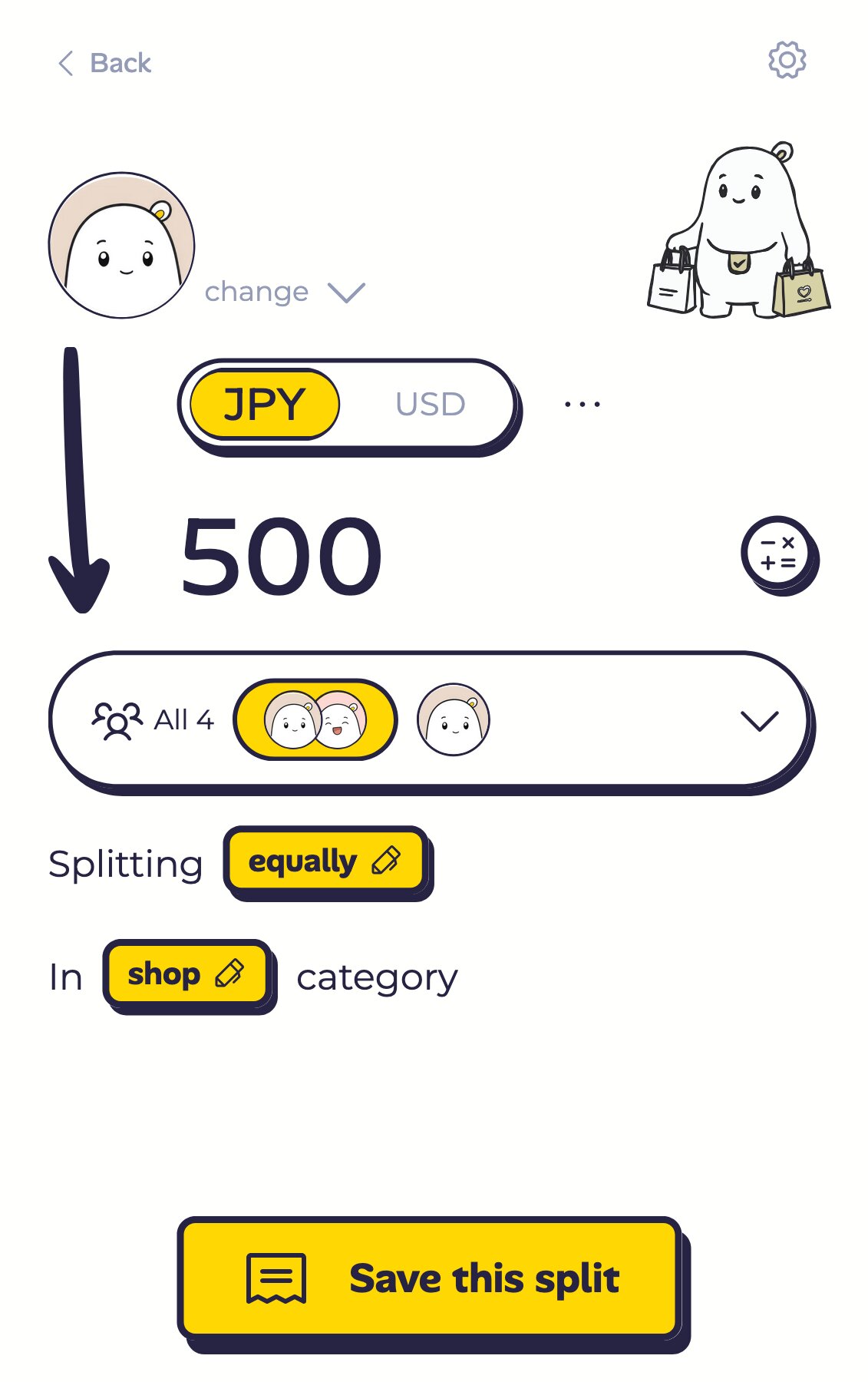
Some splits are complicated enough that Receipteller won't land where you wanted. Tap "Edit this split" on that payment and set it yourself.
The currency and the amount come with it, and the page is the same one you use to log any expense, so there's nothing new to learn.
Save, come back to the Receipteller list, check it over, then add everything you ticked in one go. Nipping off to edit one payment won't lose your ticks.
Best for screenshots like these
- Suica, PASMO and other transit cards: a dozen taps a day. Transit stays yours, the rest is shared.
- PayPay, LINE Pay and other wallet apps: one page is a whole day of spending.
- Apple Wallet, Google Wallet: every card payment is already sitting there, so there's no statement to dig up.
The flight and hotel confirmations you booked before you left go to Receipteller. So do the long receipts. This time it's the payment history on your phone.
Big or small, every payment on the trip can go to Receipteller.