
A trip starts with flights and a place to stay
You found a good flight, or booked the place you're staying. Log it in Chillwari right then, while the deal still feels good.
Before, you'd keep the number in your head, "our flights came to $XXX," then open Chillwari to type it in. Now you hand the confirmation straight to Receipteller.
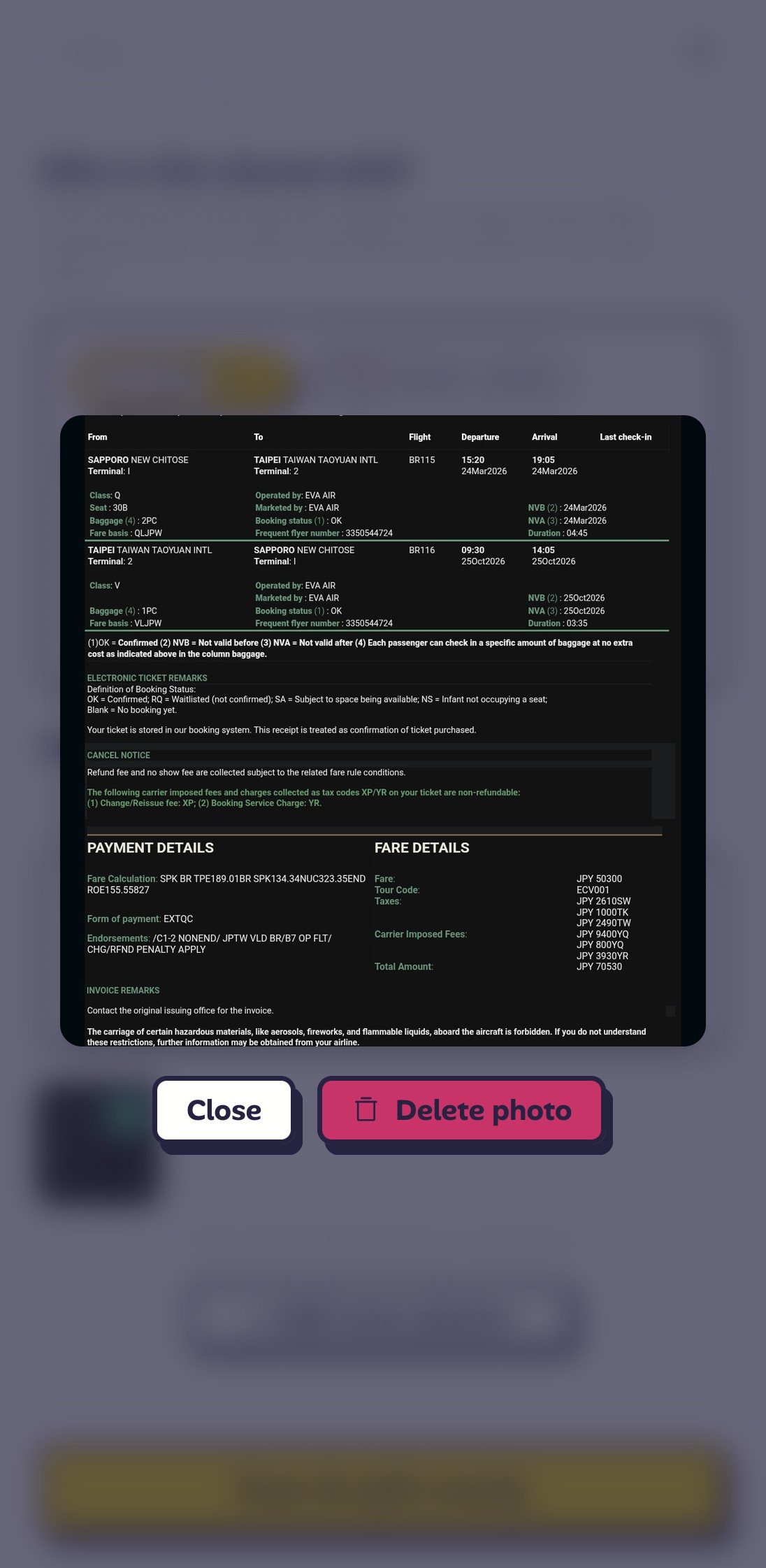
The confirmation email already has the amount, currency, and booking details. Screenshot it and send it to Receipteller, and it's much easier to log the expense.
That's the point of Chillwari: logging an expense shouldn't feel like a chore.
Screenshot it, and Receipteller does the typing
Open Receipteller and choose the screenshot of your flight or accommodation confirmation.
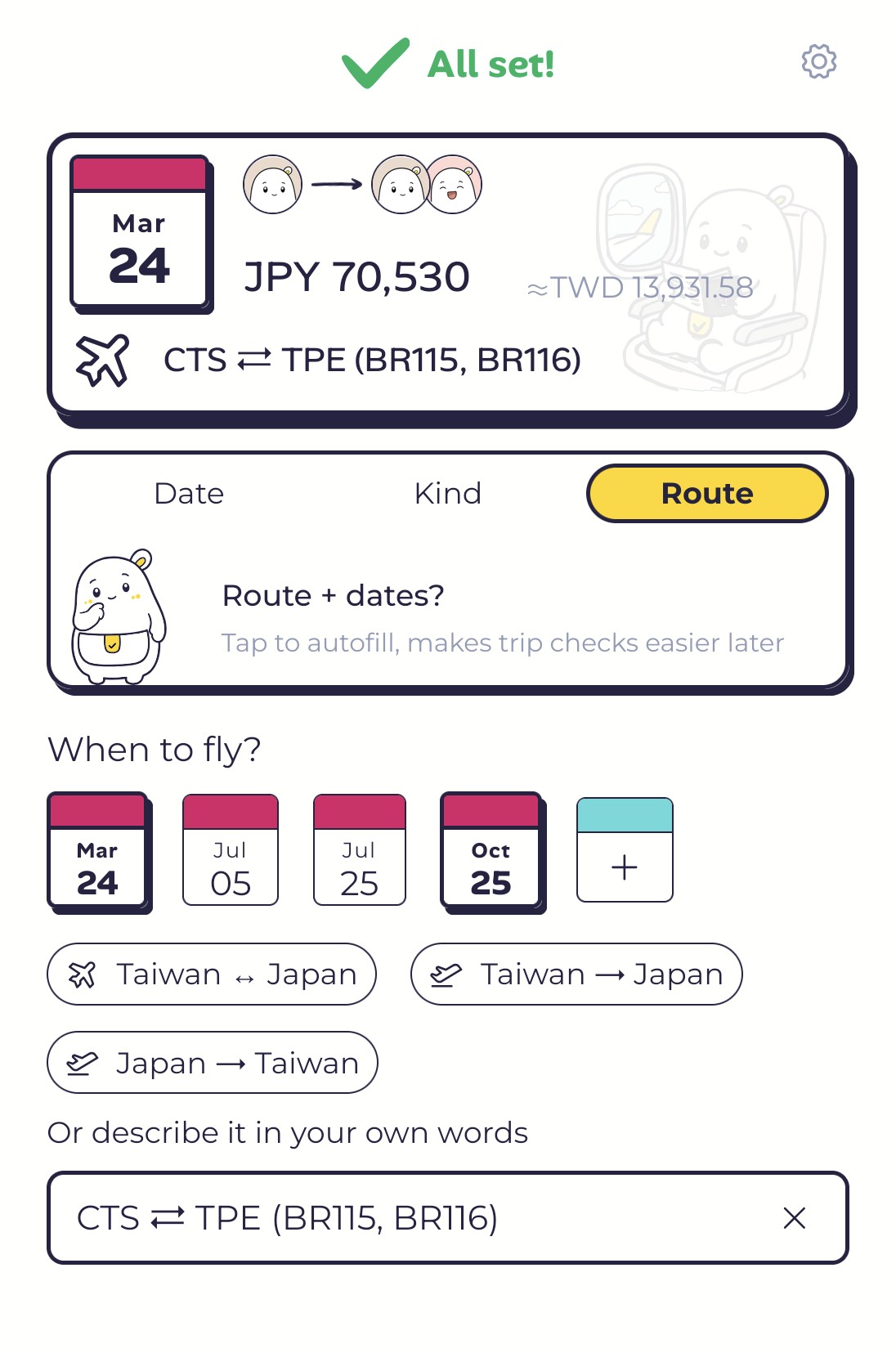
Receipteller reads the amount and dates from the email and fills them in. You tap Add once. You now have an expense with all the important details.
Say who paid and how to split it
It's not always an even split. A few cases:
The flight is just for you and your partner.
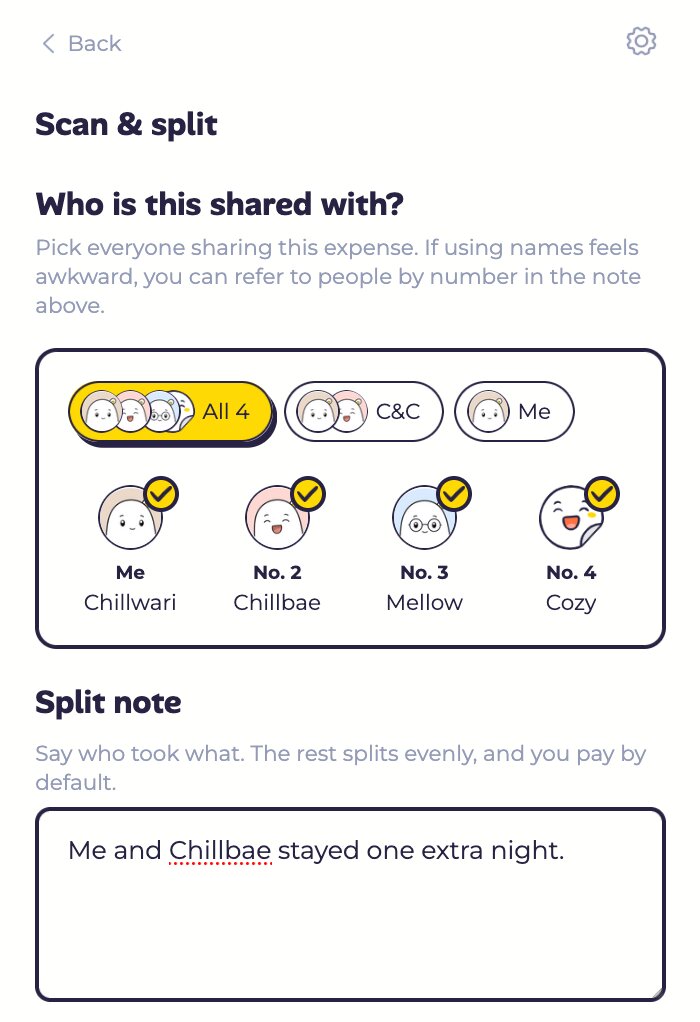
You two stayed one extra night before heading home.
Someone bought everyone's rail passes up front.
Tell Receipteller what happened. You don't have to work out each person's share.
Receipteller splits it the way you said. Glance at the amounts, send, and you're done.
The check that comes after Receipteller
Once Receipteller reads the flight and hotel confirmations you already booked, your trip has a full set of dates.
Chillwari goes looking for the date you got wrong and the night you missed, then points at the ones that don't line up.
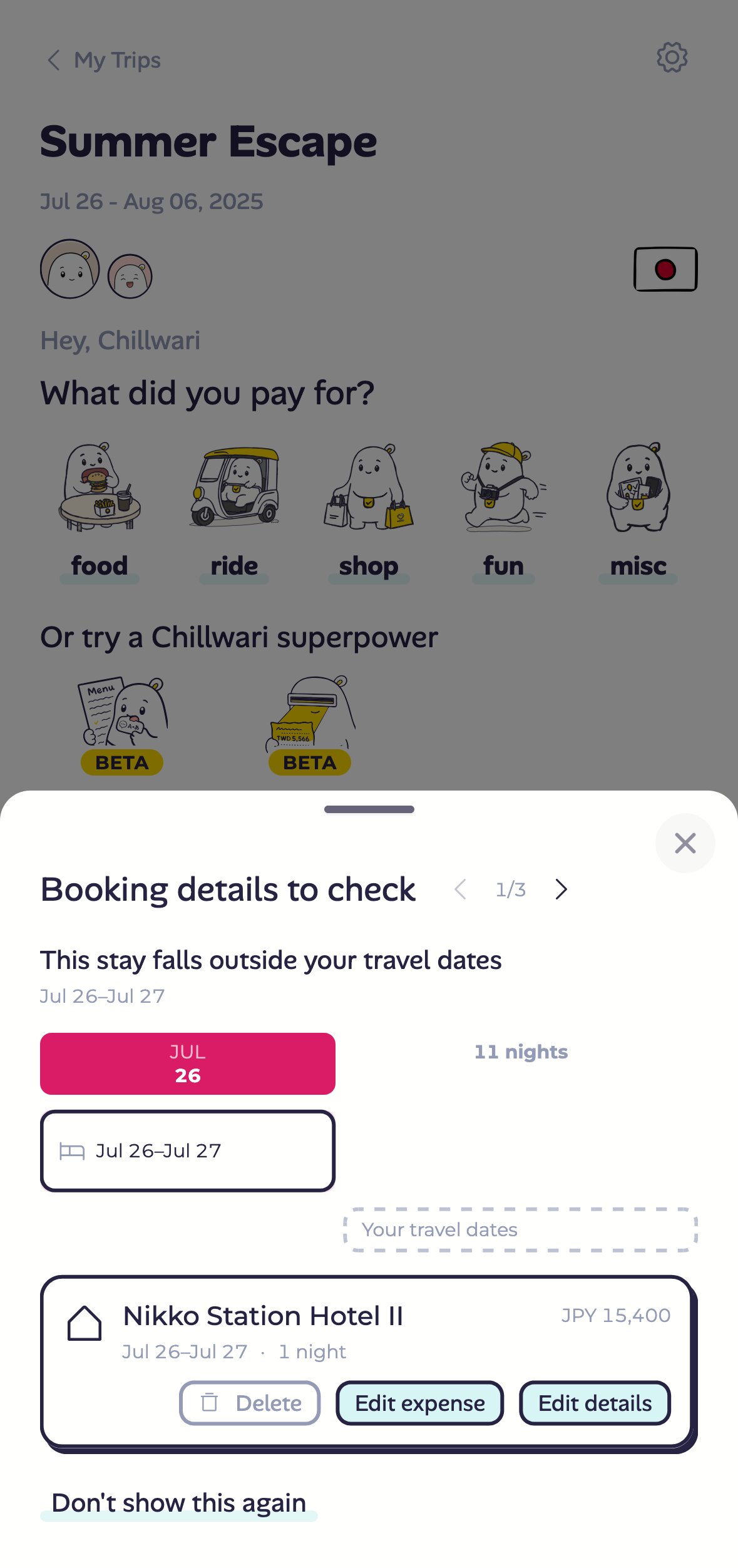
Let Chillwari check your trip for the small mistakes that slip through.
Best for confirmations like these
- Flights: book for you and whoever's traveling with you, then split it later.
- Stays: a deposit or the full cost of a guesthouse or hotel. It still works when some people stay longer than others.
- Transit passes: a rental car or rail pass someone books and pays up front.
- Tickets and tours: a theme park or day tour you book to share.
Once you're there, those long receipts from the trip can go to Receipteller too. And so can the bookings you paid for before you left.