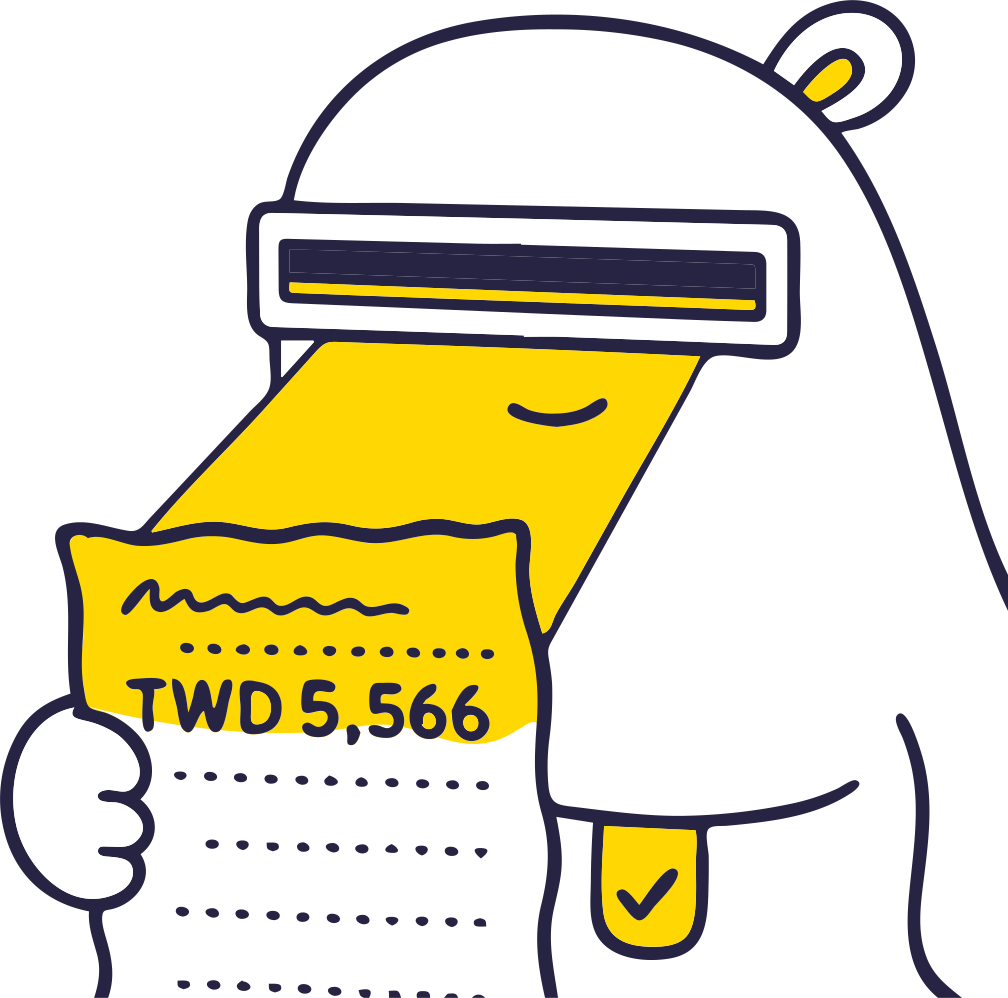
The receipt arrives. “I'll log it real quick.”
He pulls out his phone and opens a split-expense app: date, category, payer, currency, who shares it, how to split. A whole row of fields, all at once.
His finger pauses for a few seconds.
“Forget it. I'll do it back at the hotel.”
That expense never got logged.
“Back at the hotel” almost never happens
The problem was never that expenses are hard to track. It's that the form feels like homework. Lay every field out up front and no one wants to deal with it in the moment, so it gets pushed aside.
But the best time to log an expense is the second you spend it. Once the phone goes back in your pocket, the moment is gone. Back at the hotel everyone's tired, the next day the trip takes over, and the expense quietly fades until nobody remembers it. That's how most expenses go missing.
People don't put it off because they're lazy. They put it off because the wall is too high. Lower the wall and logging can keep up with the spending.
Logging one expense is simpler than you think
Chillwari flips it around and gets you from zero to one first. Don't try to fill it in perfectly. Just get it down, right now.
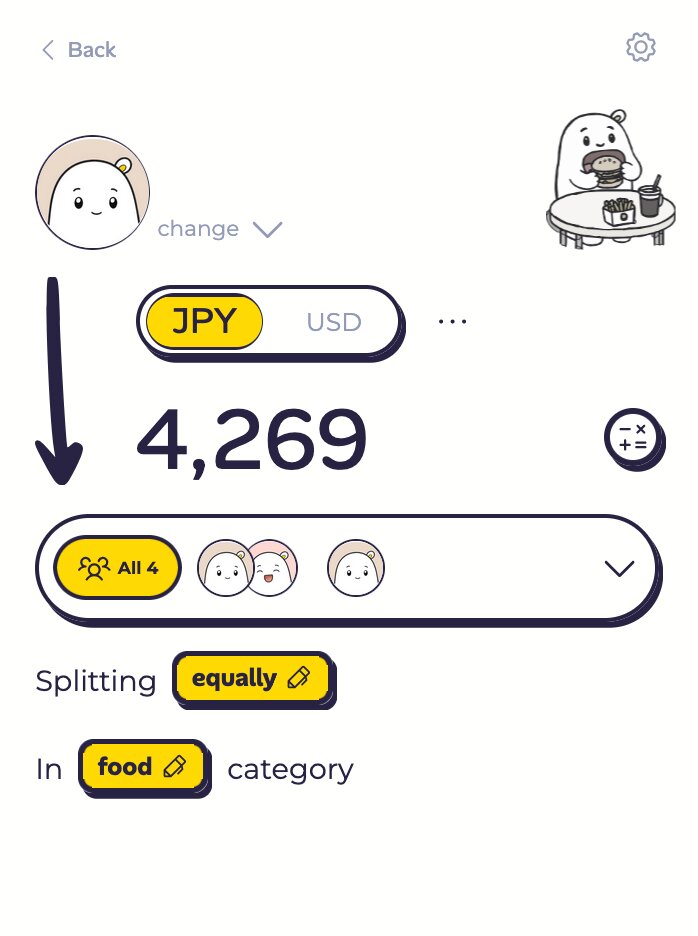
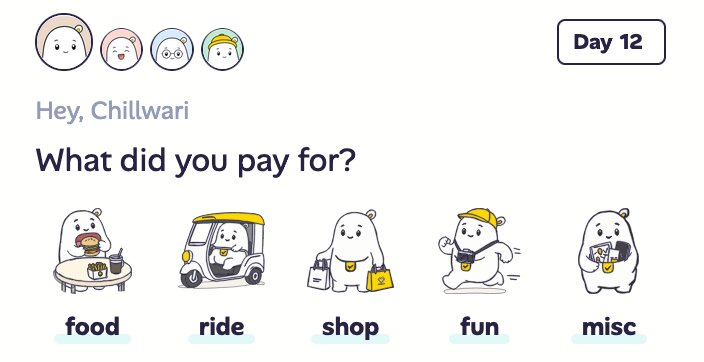
From your trip home screen, tap the meal you just had: breakfast, lunch, dinner, the convenience-store run. That picks the category. The expense page opens with Chillwari's defaults already set: this one is split with everyone, paid by you.
All that's left is the amount. Type it in, hit submit. That's it. Zero to one. You don't even need a description. The record is saved, and the expense can't slip away.
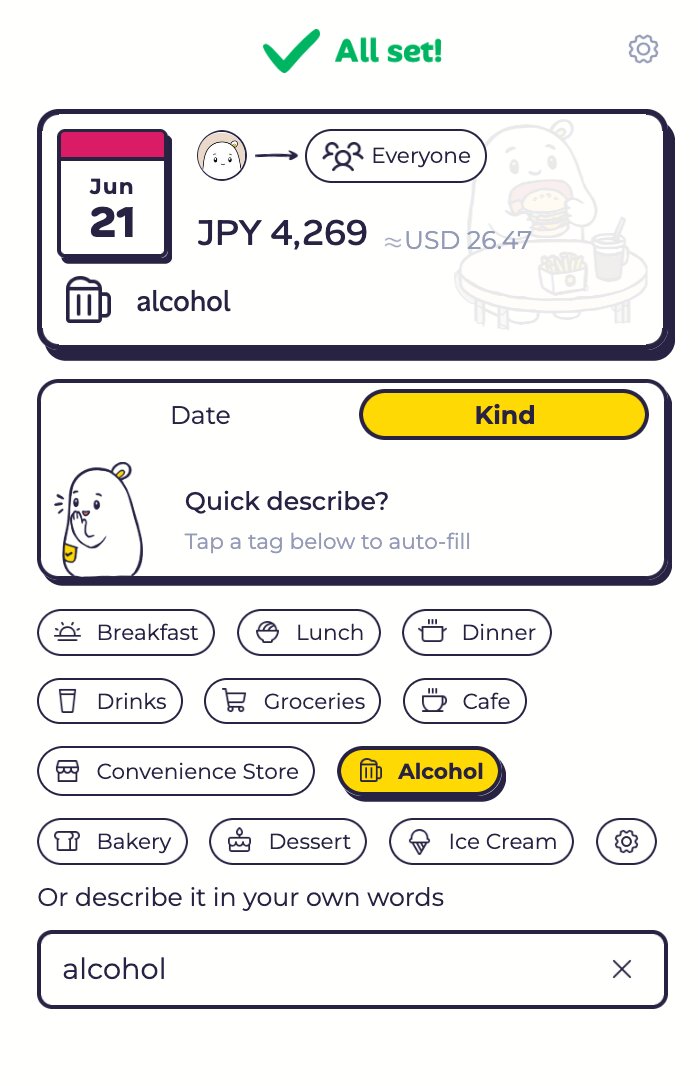
Want to add more? Come back when you have a moment: tap a subcategory and the name switches to “Breakfast,” “Lunch,” “Dinner,” or type a few words of your own. Log it fast; the rest can wait.
When splitting evenly fits best
This “just enter the amount” approach fits best when everyone agreed up front to split evenly. For example:
- One table, shared. Family-style dishes, hot pot, barbecue. Everyone digs in together and splits together, and nobody's counting who had one extra bite.
- Shared costs. Hotels, car rentals, fuel. The whole group splits these anyway.
- Small odds and ends. Taxis, parking, snacks, late-night food. Splitting these to the cent is more hassle than it's worth.
- Friends who take turns. You get this meal, I'll get the next. Splitting evenly is the least fuss.
In these moments you don't need a precise ledger. You just need it written down. Type the amount, hit submit, and that's plenty.
Same receipt, two ways to log it
Chillwari has two ways to get an expense down. The only difference is what you care about today.
Quick expense
Smart defaults fill in who shares it and who paid. You only type the amount, so it's done in about 10 seconds. Need to change the sharers or the payer? Switch subgroup in one tap. The controls you reach for most sit right on the page.
The trade-off: it keeps a total and a name, not the line items.
Scan the receipt
Snap a clean photo, let the AI read every line, check and fix it, then save. When everything goes smoothly it's around 30 seconds, and you'll want to eyeball the result. But when you want every dish and every line kept, this is the one to reach for.
The win: every item kept, nothing lost.
Don't care about the items? Log it fast. Want the full breakdown? Scan the receipt. Both live in Chillwari, so pick the one you need today.
Give your time back to the trip
Logging an expense was never meant to get in the way of enjoying the trip. Get it down in two taps now, and fine-tune the details later if you feel like it. Or never.
Next trip, it's your turn to say “I'll log it real quick.” This time, you actually will.